
How to Search Cases by Name
The Clerk's Tyler CM Web Search gives you two separate entry points. One covers primary parties. The other covers associated parties. Figure out the role first. Plaintiffs, defendants, petitioners, and respondents belong on the primary screen. A person tied to the file in some other way may only surface through the associated-party route. The portal itself suggests trying every plausible spelling variation before giving up.
- Choose the likely Liberty County court based on the case type.
- Open the public CM Web Search home and accept its public-record disclaimer.
- Select Search By Party, or use Search By Associated Party for a secondary role.
- Try the last name first, then add the first name and alternate spellings to narrow matches.
- Open the likely result and compare the court, year, case type, filing date, and status.
The official party-search route sometimes jumps back to the home screen instead of loading, which is why the Clerk's other channels matter.
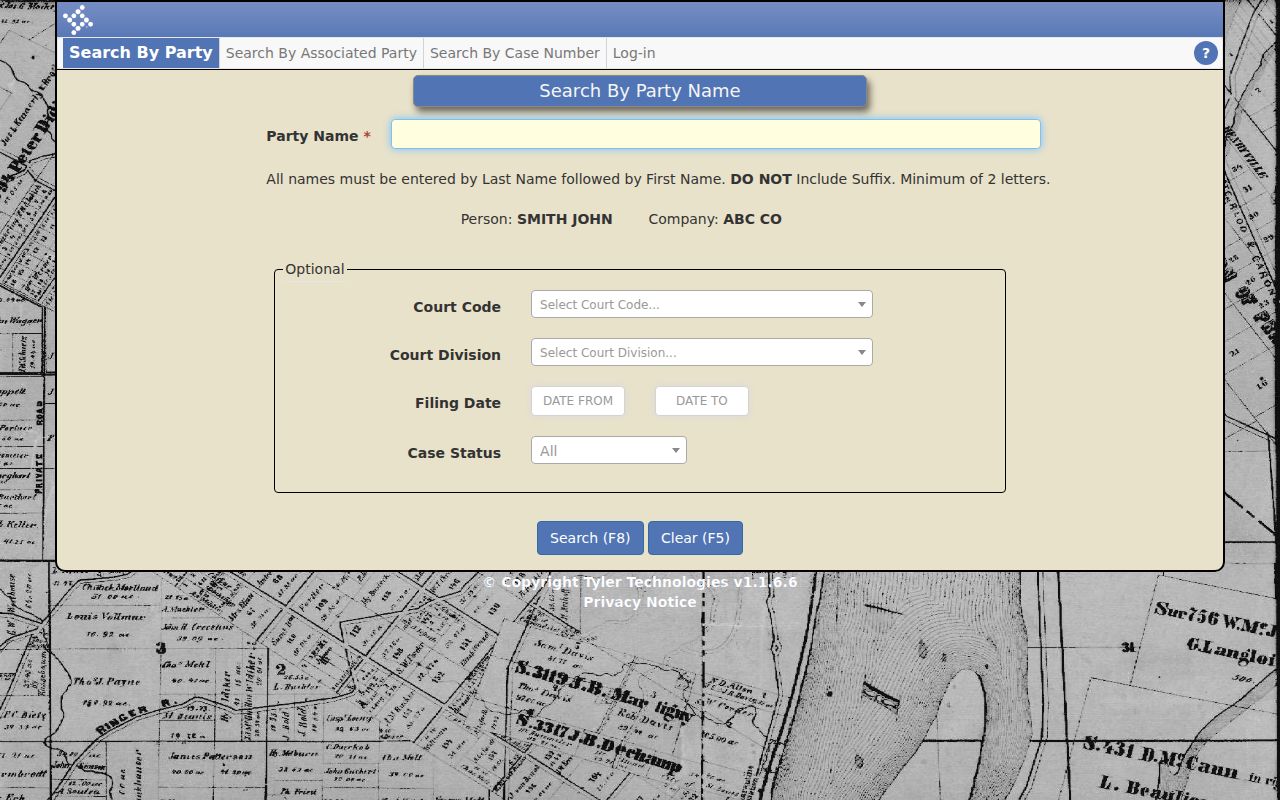
That redirect quirk explains the plan: keep the Clerk's other routes handy whenever the direct link stalls.
| Field Label | Type | Required | Notes |
|---|---|---|---|
| Search By Party | Navigation link | Not applicable | Use for a primary named party. |
| Search By Associated Party | Navigation link | Not applicable | Use for a connected person in another role. |
| Spelling | Name text | Not exposed | Try plausible variants as the disclaimer directs. |
| Court or division | Result context | Confirm | Make sure the result belongs to the expected court. |
Liberty County CM Web Search
The CM Web Search home is Liberty County's public register layer. It offers three doors. They are Search By Party, Search By Associated Party, and Search By Case Number. No login is needed. A disclaimer on the page notes the county supplies the data as a public service. It does not guarantee accuracy. Questions go to the Clerk at 912-876-3625. The home screen itself shows only the three routes, with no case details.
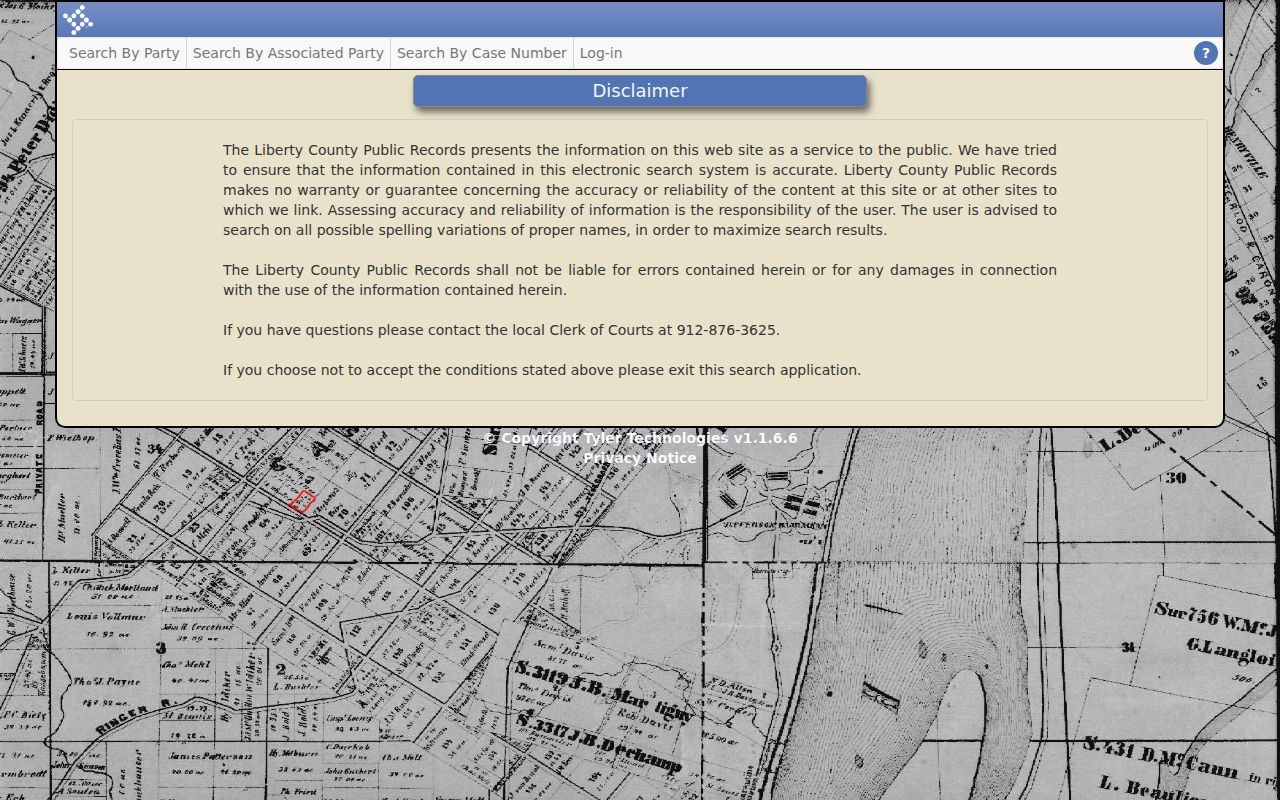
Free navigation is the point of this layer. It stands apart from the paid document archive and from the separate login page.
How to Search by Case Number
A case-number search works best when you already know the court and the year. The Liberty form asks for Court Code, Court Division, Year, and Case Number. It marks Year and Case Number as required. When the page redirects, the dropdown options stay hidden. Copy each part exactly as it appears on the official paper. An official calendar offers a local example: 2025-SU-V-537. The year is plain, and SU is a strong Superior Court clue. Don't guess at the remaining letters or serial. The portal splits those pieces into separate fields anyway. The official case-number endpoint shows the same direct-route redirect behavior.
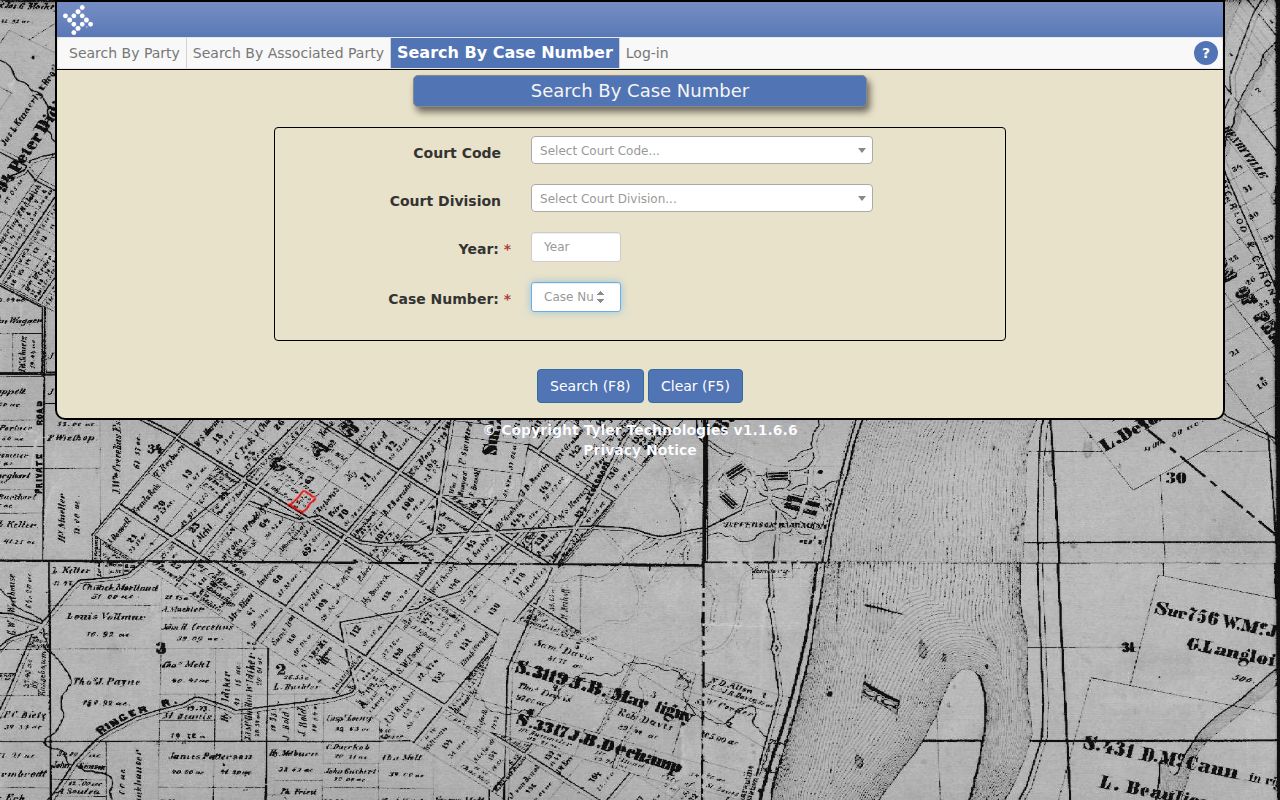
A redirect never means the case does not exist. Go back to CM Web Home and use its menus, or fall back to the public terminal and the Clerk.
Liberty County Associated-Party Search
The associated-party route earns its own heading because it is not a second spelling box. It exists for a person linked to the case. That person is not a principal party. Search only the primary screen and you can miss a real entry. The Clerk-linked associated-party route shows this separate search form.
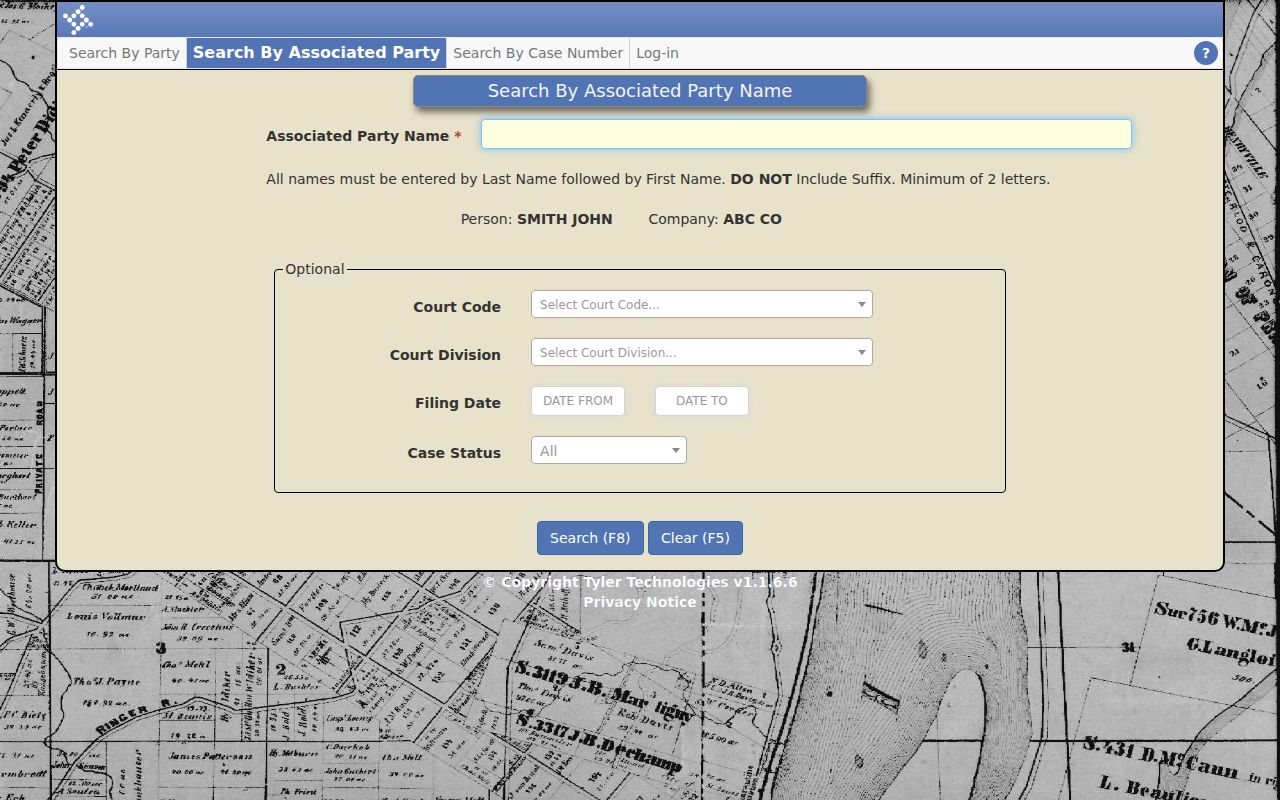
If both name routes come up empty, stop guessing. Confirm the venue, the rough year, and the party role with the Clerk.
What a Case Search Shows
A Liberty County case lookup returns an index or register, not every filed image. Read the entries in order. A newer order or setting can supersede an earlier one. The latest entry usually wins. When the live result fields are unclear, Georgia's Rule 39 supplies the official docket model to compare against.
| Case Number | The unique action identifier, including court and year clues when shown. |
|---|---|
| Style or Parties | The caption and party-role blocks used to identify the action. |
| Case Type | The civil cause, criminal charge or count, and responsible court. |
| Filed Date | The date the initiating paper or later docket item was received. |
| Status | The open, disposed, dismissed, or other current posture supported by entries. |
| Events | Service, motions, orders, settings, judgment or plea, appeal, and storage references. |
Criminal registers can list indictment or accusation. They also cover count classification, plea, sentence, warrant, transcript, and remittitur details. Civil registers can show service, cost, settlement, dismissal, judgment, trial, and appeal entries. Keep one thing straight. A docket entry naming a paper is not the paper itself.
Liberty County Database Starting Point
A saved Tyler link can stop working. When it does, the Clerk's Court Databases directory is the place to restart. It sits inside the official Clerk environment. From there you can reach the public court docket and nothing else. That separation matters, since the county runs other record systems beside it.
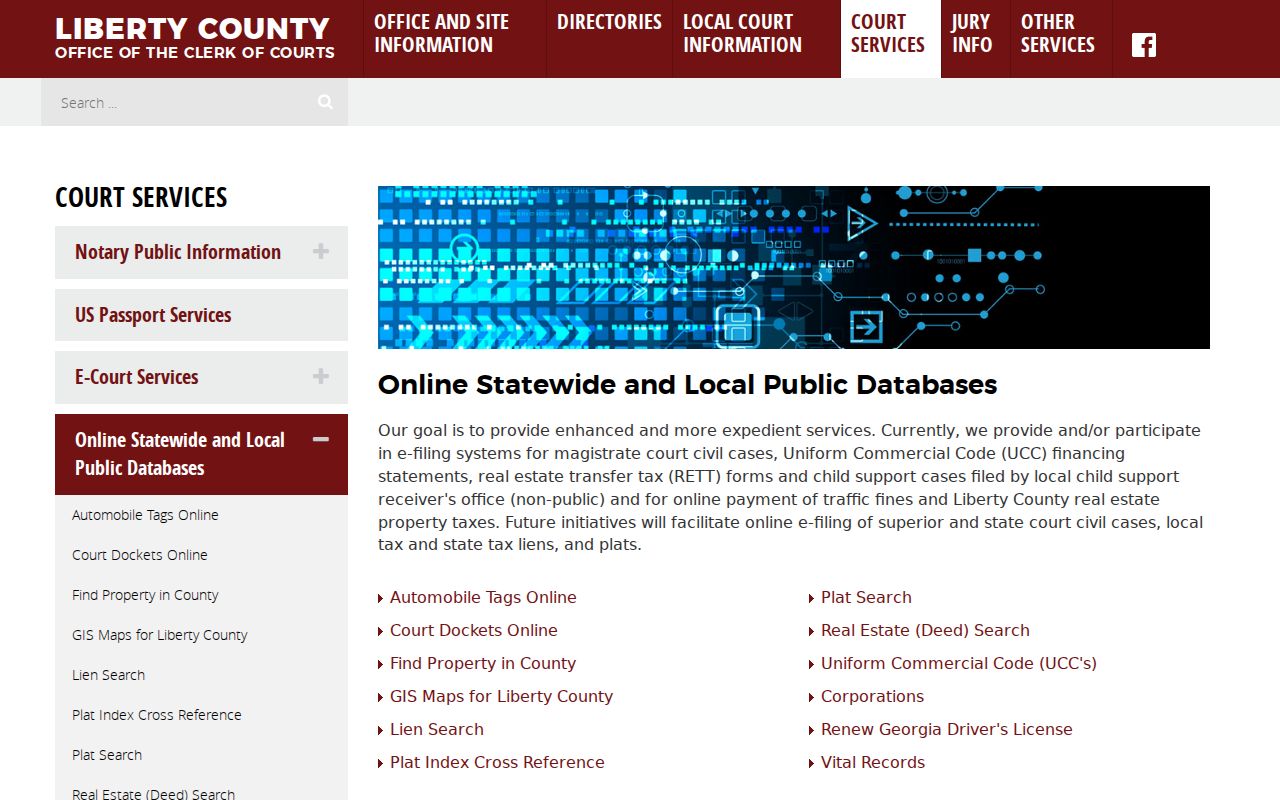
Starting at the Clerk directory also keeps you from mistaking a filing system, a land-record database, or a municipal service for the county court register.
County vs Statewide Case Search
Georgia has no single statewide case screen that replaces the Liberty County portal. Georgia Courts E-Access is only a directory of participating courts and providers. It lists Liberty Superior and State courts through PeachCourt. PeachCourt also serves as the required civil filing layer for those courts. But filing a case is one job. Viewing the county's full public register is another.
| Georgia Directory Layer | Liberty County Portal |
|---|---|
| Routes users to participating court providers. | Searches the county’s Tyler public register. |
| Lists Liberty Superior and State through PeachCourt. | Offers party, associated-party, and case-number routes. |
| Useful when the county or provider is uncertain. | Best when a Liberty County case is known. |
| Not one unified statewide results screen. | May redirect, omit restricted matters, or lack public images. |
Magistrate civil e-filing runs on Tyler/JusticePlus. Probate sits with a separate office. Municipal matters stay with the issuing city court. So don't assume one database holds every Liberty County case.
Liberty County Login Is Separate
The Tyler system also has an account login with username, password, forgot-password, and a public-computer control. That screen is not evidence that a general reader must log in. The separate Tyler login page exists for account holders.
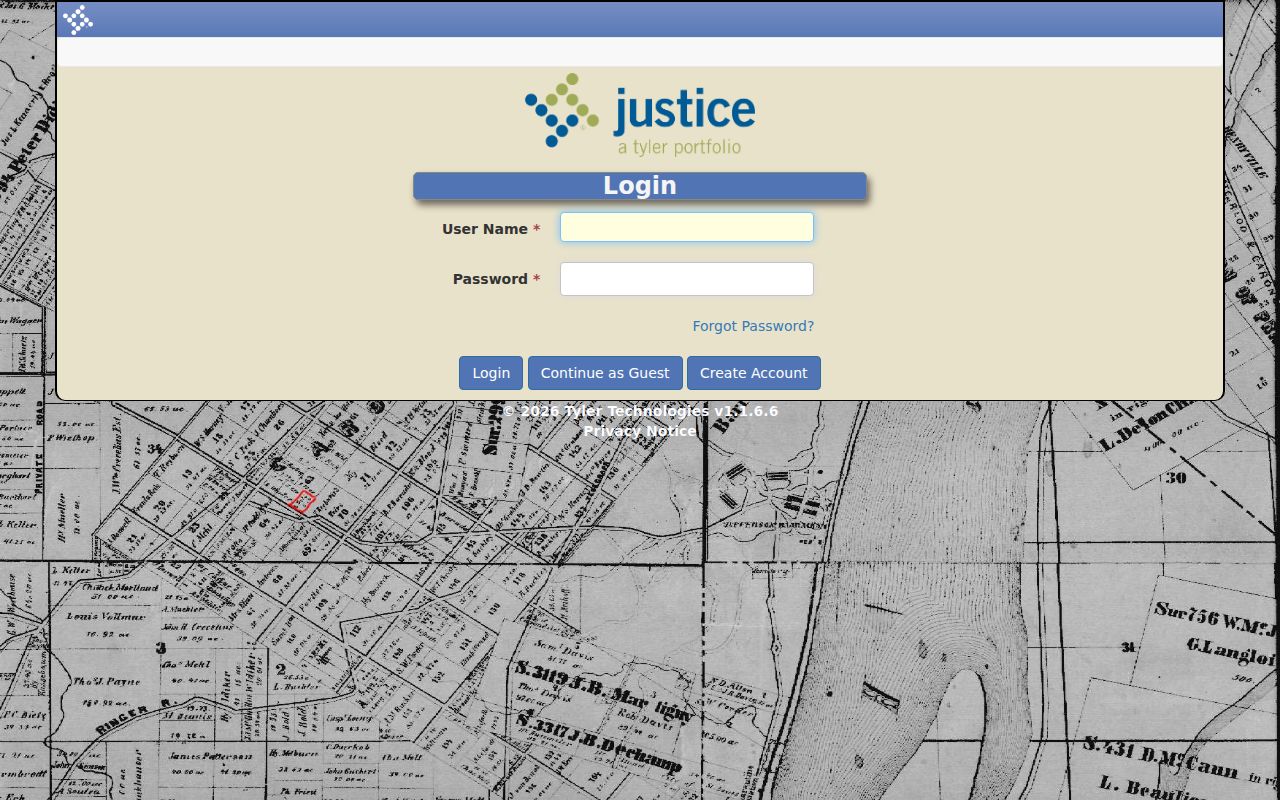
Try the public CM Web Home first. An account screen and a public docket route serve different users and are not interchangeable.
Restricted Cases and Access Rules
Some Liberty County records simply never reach the public JusticePath view of scheduled cases. Juvenile files stay confidential. Adoption records are sealed too. A judge can also bar access under Uniform Superior Court Rule 21. Rule 21.6 then keeps identifiers and sealed pages out of sight. Even when part of a case exists, the public header may show only a sliver.
A blank result can mean many things. The file may sit off-site because it is older. It may instead belong to Probate, a municipal court, or simply the wrong court or year. A different spelling can also hide a case, as can a court-ordered restriction. Never ask staff to break a seal. Instead, try the public terminal or counter. You can also call 912-876-3625, email the Clerk, or reach the lower-court clerk who holds the matter. Confirm mail and fax details too, since official listings differ.
Confirm Liberty County Case Results
Know what you are looking at. The free public register lists events in a case. The complaint, motion, order, judgment, or transcript is the filed material itself. A certified copy goes one step further, carrying the Clerk's authentication. One caution: public online docket access is broader than public image access. Documents often hold protected identifiers.
When a matter is older or missing, go to the Liberty County Justice Center at 201 South Main Street, Suite 1200, Hinesville. Public terminals there support local searches, with limited staff help. Bring the court, the year, the case number, and the exact record you need. The Clerk won't run a generic criminal-history search, but will assist with a specific case. Once your result shows a hearing setting, check it against the Liberty County court dates. Then confirm the newest order.